
Mississippi MDOC Mugshots and Records
MDOC runs Mississippi's prisons. It also oversees everyone under its corrections supervision. Its public Inmate Search is the official starting point for anyone recorded in the state prison system. A match can open an Inmate Details profile with a photo. That image belongs to an MDOC record, not to a county jail booking file. Treat it as a state corrections photo rather than a fresh arrest image.
The search describes one layer of a case, the corrections layer. Expect an MDOC identifier, a facility or unit, and sentence details. A tentative release date appears when one is shown. Arrest, county intake, court disposition, prison admission, parole, and discharge are separate events. One profile is a snapshot, not a full history. The page can shift whenever the agency updates a person's status or location. Save the date of access and go back to the official page whenever current custody matters.
Clear sourcing is what makes an MDOC mugshot useful. The agency does not label the profile photo as a booking image. It does not state when the photo was taken. Name the source plainly when citing it.
How to Search MDOC Mugshots
The public MDOC Inmate Search accepts a first name or a last name. It also takes an MDOC ID number. A second state service runs through Mississippi.gov's MDOC inmate search. Neither source publishes a guide to MDOC ID formats. Enter the number exactly as issued rather than guessing. The MDOC search form displays the agency name and ID fields before any result appears.
Open the official MDOC Inmate Search for the live form and current results.
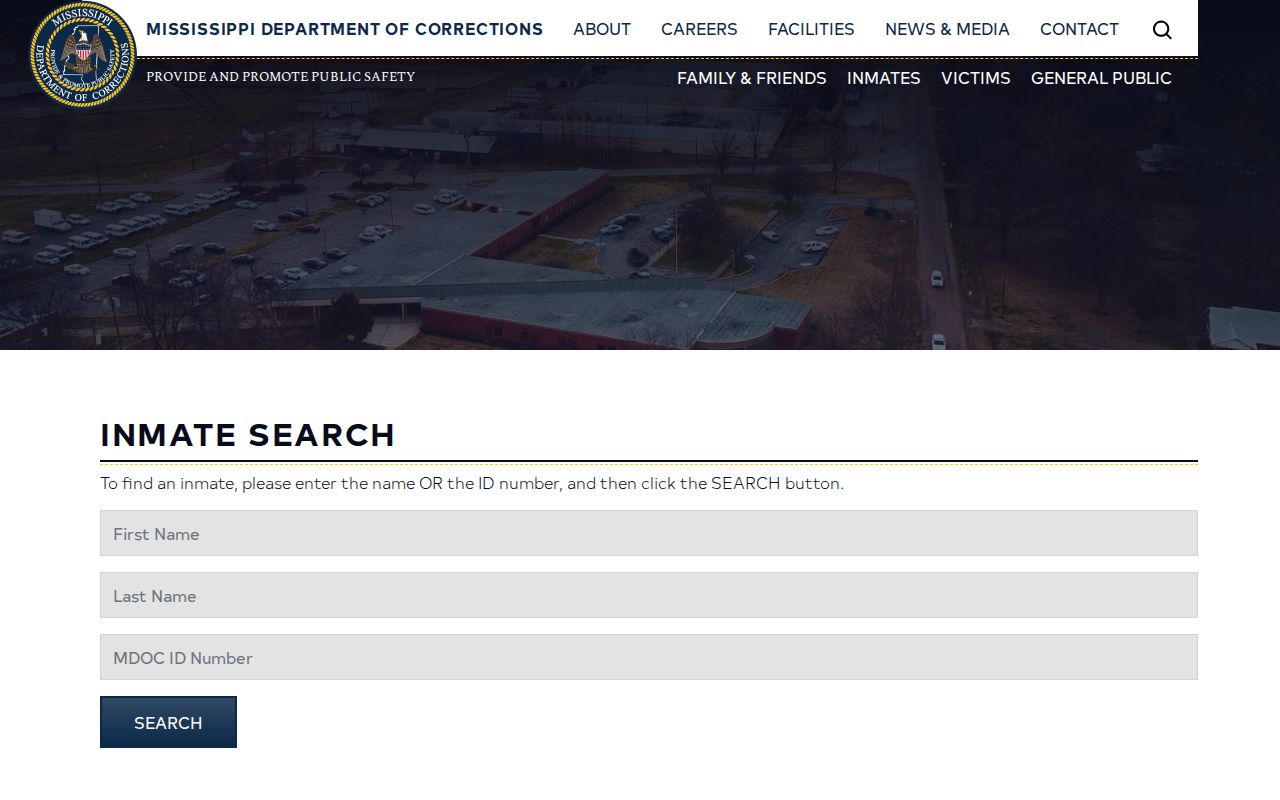
This is a search screen, not a profile page or a county booking roster. Results depend on what you enter. Use the current MDOC result page for each lookup, since the form and custody data can change.
| Search field | Accepted use |
|---|---|
| First Name | Enter the person’s first name as known. |
| Last Name | Enter the person’s last name as known. |
| MDOC ID Number | Use the MDOC number when available; no public format guide was found. |
The site offers name and ID as alternative entry points. When a name returns several results, compare the official profile details instead of picking from a photo alone.
- Open MDOC Inmate Search or the Mississippi.gov service.
- Enter the person’s first name, last name, or MDOC ID number. Use the official number when one is known.
- Submit the search and compare the returned names and available identifying details before opening a record.
- Choose the matching result to open its Inmate Details page.
- Read the image, MDOC ID, location, sentence, and date fields together. Do not infer current custody from the photo alone.
- Write down the access date and recheck the live profile when a status or location answer is time-sensitive.
The agency's sample Inmate Details page shows the kind of profile a result can open. It is a layout example only. It does not stand in for the person you are searching. With a common name, never lean on a single matching field. The same caution applies to an unclear result.
Note: The public locator accepts a name or MDOC ID, but the reviewed search page does not state a standard number format.
What an MDOC Inmate Profile Shows
A public profile can carry identity descriptors, prison entry information, location, sentence details, and a photo together. The official sample page shows the layout. Fields vary by record. Read the values the live profile actually presents instead of filling gaps from some other source.
| Profile field | What it can show |
|---|---|
| MDOC ID | The number MDOC assigns to the person’s corrections record. |
| Profile photo | An image attached to the public profile. MDOC’s public pages reviewed do not identify it as a county booking photo or give a retake schedule. |
| Physical descriptors | May include race, sex, date of birth, height, weight, complexion, build, eye color, and hair. |
| Entry and location | The entry date, unit or location, and a location-change date when shown. |
| Sentence information | Sentence entries and the total sentence length in the profile. |
| Tentative release date | A projected date held in the profile. It is not a guarantee of release on that day. |
A location field tells you where MDOC recorded the person when the page was last updated. It does not show where they are this minute. Displayed dates can be tentative. A sentence summary may leave out later court filings or appeals. For a legal outcome, the court's docket and disposition control. The corrections profile does not decide it.
Skip repeating a full date of birth. Skip other personal details too, when they are not needed to identify the record. The safest public reference names the agency, the MDOC ID if lawfully available, the access date, and the field in question.
MDOC Photo Meaning and Updates
An MDOC profile often includes an offender photograph. The picture comes from an ID card made when a person first enters prison, according to the Frequently Asked Questions page. Classification can take two weeks to 45 days. That window covers classification only. It says nothing about photo timing. The agency publishes no retake schedule.
The MDOC Family and Friends Guide tells families to search by name or MDOC number. The department switchboard is the fallback. Photo timing stays vague after a transfer. Older images have no stated removal rule. So the search shows a photo when it returns one, and nothing beyond that is promised.
Do not treat the image as a current likeness. The profile fields carry no photo date, and MDOC sets no retake interval. Never call it a recent arrest image. Never rely on a face alone to verify anyone. When the exact date matters, ask MDOC in writing for the image record and its date.
Older corrections photographs live elsewhere. The Mississippi Department of Archives and History catalogs a separate MDOC photo series. That collection is historical. It says nothing about how long a live online profile stays up.
The MDAH MDOC series catalog describes archival corrections photographs and reports.
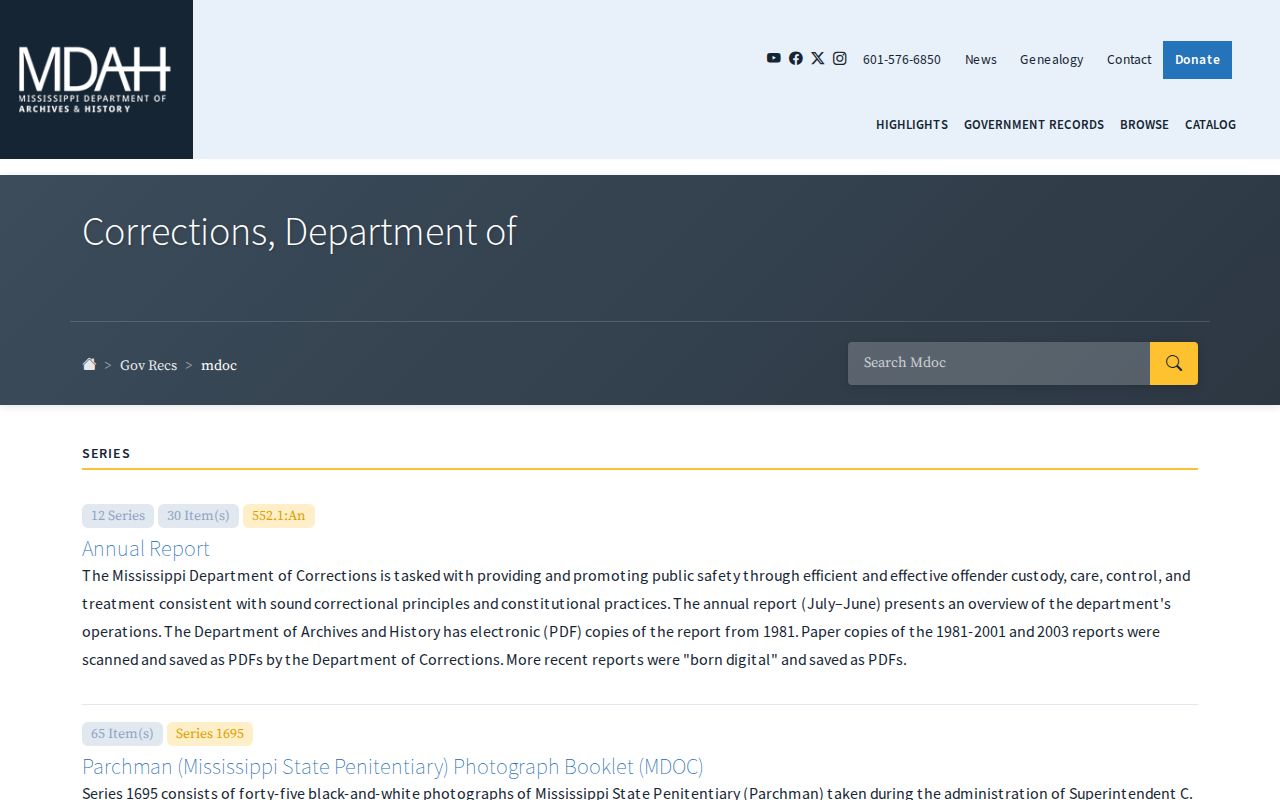
Use the series catalog for history questions. For a current profile or a photo record, use the live MDOC search or a written request instead.
Note: A classification time range is not a published deadline for a profile photo to appear or refresh.
Verifying an MDOC Custody Profile
Read every MDOC result as a dated snapshot. Write down the agency name, profile URL, access date, and MDOC ID. Add the entry date, the unit, and any location-change date. Record the sentence and release date as stated. Those notes make it easier to ask the records office a clear question later, when the live page changes or a photo resists dating.
A tentative release date is an estimate, not a promise of release on that day. The unit field can change too. A miss in one search means little. Spelling trips up many searches. Recheck it, or search by MDOC ID, then call the department if the question survives. The Family and Friends Guide points to the inmate search and the department switchboard as the two routes.
Different stages need different sources. For a release or supervision event, compare the profile with the separate parole search or the SAVIN/VINE notification path. For a county arrest, ask the local sheriff or jail that holds the booking record. For the outcome, use the docket or clerk. No single search result settles every stage.
Does an MDOC Profile Stay After Release?
Does a profile vanish after release? MDOC states no retention rule for the public Inmate Search. A result may linger after release, disappear, or shift to a parole record. It depends on the live system. No published page promises how long a photo stays online. Treat former-offender visibility as something to check with the current search or MDOC, never as a promise.
The Parolee Search is a separate tool for supervision status. It takes a name, MDOC ID, city, or county. A parole result shows supervision only. It does not confirm prison custody, a fresh county arrest, or an active warrant. An empty result settles nothing either. The inmate search may still show more.
The Mississippi SAVIN/VINE notification service sends alerts for participating county and MDOC events. Transfers, release, escape, and absconding from supervision all qualify. It tracks events well. It is not a photo archive, and it cannot replace the live MDOC profile.
MDOC’s SAVIN/VINE notification page describes release, transfer, escape, and supervision alerts as a separate service.
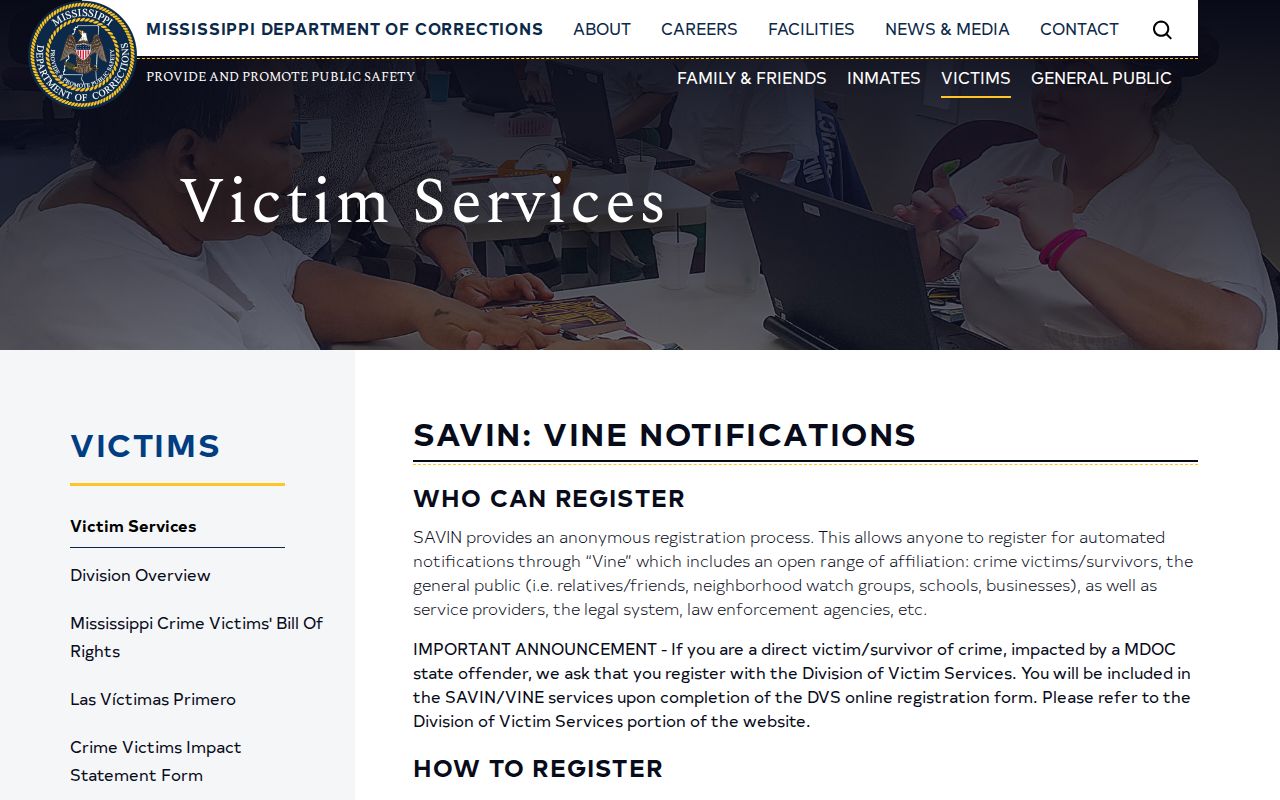
Alerts report events, not photos. When the question concerns profile fields, open the current MDOC search instead. The SAVIN/VINE page describes a notification channel. It is one tool among several, so ask MDOC when a former-offender result stays unclear.
MDOC Public Records Requests
MDOC takes public-record requests in writing under the Mississippi Public Records Act. Phone calls are not the method. Its General Public page and records-request information sheet point to the online GovQA process. Photographographs are public-record material. Exemptions and third-party privacy rules still apply.
The Mississippi Ethics Commission’s Public Records Act guide explains the statewide request framework for agency records.
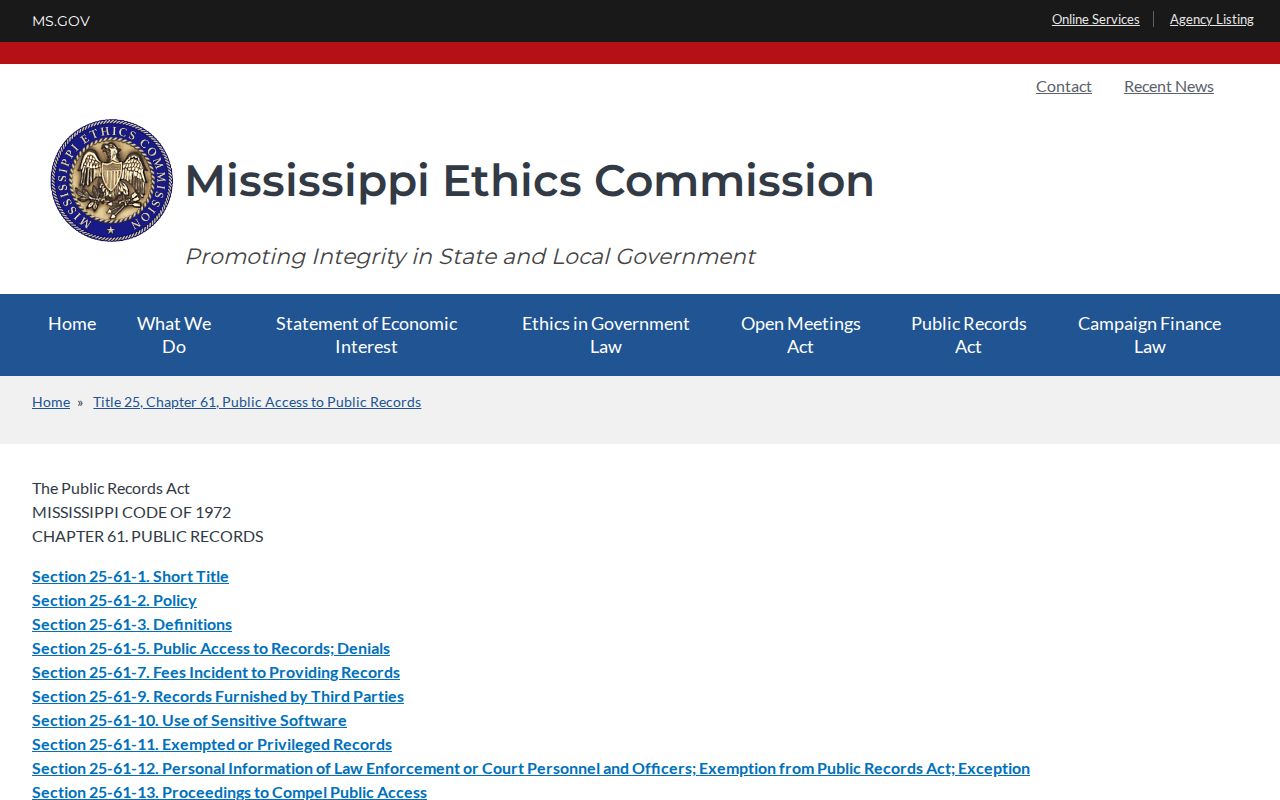
The request statute does not promise that every photo can be released. MDOC reviews each record for an exemption or privacy limit before handing it over.
A focused request works better than a sweeping one. Identify the person by MDOC ID when you have it. Name the record. Set a date range. You can ask for a profile photo, a booking or intake image, or a transfer record. The retention policy is fair game too. If material comes back withheld or redacted, request the written reason. Cite your search identifiers and the request date in any follow-up.
- Open MDOC’s current public-records information and enter a written request through the linked GovQA process.
- Name the specific photograph or record, give the date range, and include an MDOC ID or other identifier when known.
- Ask for the file’s date and record type if the image is the subject of the request.
- If something is withheld, request the written basis for the redaction or denial and keep the response with the original request.
MDOC's records pages set no standard fee or turnaround for these requests. Treat every estimate as provisional. Check the current GovQA terms before submitting, since an old page's terms may no longer apply.
MDOC Records Contact
Primary request route: MDOC GovQA, linked from the current General Public and records-request pages.
Start at MDOC's General Public page. It carries request instructions and the live GovQA link. Written GovQA submissions are the department's stated process for public-record requests.
MDOC Mugshots vs County Booking Photos
Where the person sits in the process decides which photo source is right. Counties create and hold booking records at arrest and jail intake. MDOC's Inmate Search covers the state corrections profile instead. One person can show up in both systems at different times. But the images and dates belong to their own systems. Never merge or relabel them.
| Record path | Custody layer | What it can show | What it cannot settle |
|---|---|---|---|
| County sheriff or jail | Arrest, booking, current custody, or release, depending on the county source. | A county booking entry and, where posted, a booking image. | Whether the person is serving a state sentence or what the court decided. |
| MDOC Inmate Search | State corrections record for a person in the prison system. | MDOC ID, profile photo, location, sentence details, and tentative release date when shown. | Whether a photo is current or whether the person is still at that location now. |
| MDOC Parolee Search | State supervision record. | Name, MDOC ID, city, or county search for parole information. | Current prison custody or a complete warrant check. |
| Federal BOP locator | Federal Bureau of Prisons records. | Federal custody search by register number or name and available identifiers. | A Mississippi county booking photo or a public federal profile photo. |
County arrest and jail records start with the right local custodian. Reach that office through the Mississippi County Directory. A county roster might list current inmates. It may offer a released-record window, or publish no image at all. Once a person moves into state prison, the county page is no longer the tool. Search MDOC instead. Don't treat the county booking page as a prison locator.
Custody changes never replace a court check. Compare the case docket and get confirmation from the clerk when the outcome matters.
MDOC and Federal Custody Boundaries
A federal case can put someone in federal custody rather than an MDOC prison. The Federal Bureau of Prisons locator covers federal inmates. Its records run from 1982 to the present. Search by register number. Name searches work too, with race, age, and sex. It offers no public booking-photo gallery and no profile photo.
The BOP inmate locator is the separate federal custody search shown below.
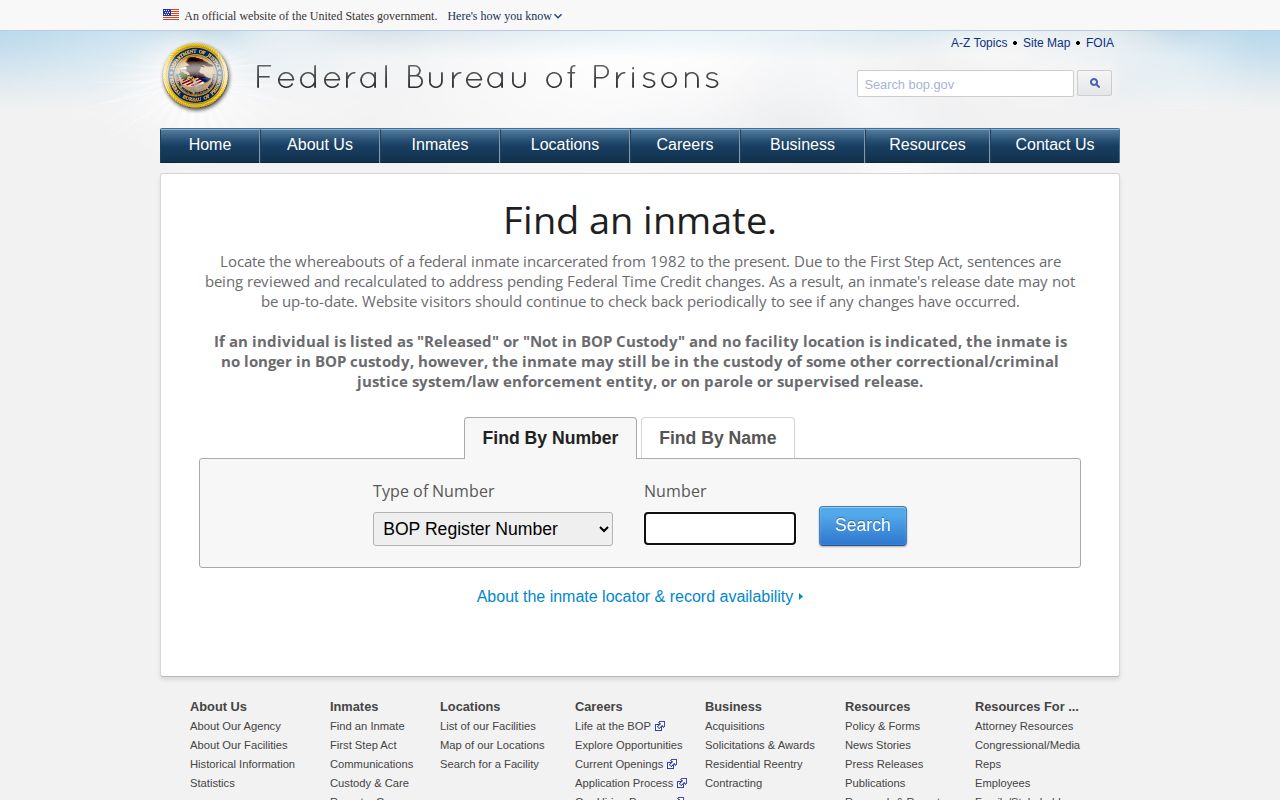
The BOP itself warns about this. A release result does not mean the person is free of all other custody. MDOC and BOP records are separate systems. A miss in one is no substitute for checking the other custodian.
Immigration detention is a different status again. The ICE detainee locator covers people currently in ICE or CBP custody. It needs an exact A-number plus country of birth. An exact name, country of birth, and date of birth also works. It excludes anyone under eighteen. It is not a local arrest database, and it shows no booking photos. Use each system only for the custody question it was built to answer.
Note: A person missing from MDOC may be in a county, federal, immigration, or other custody system, so verify the correct agency.